Landis+GyrT550 ULTRAHEATRemote reading over Wireless M-Bus, LoRaWAN, NB-IoT
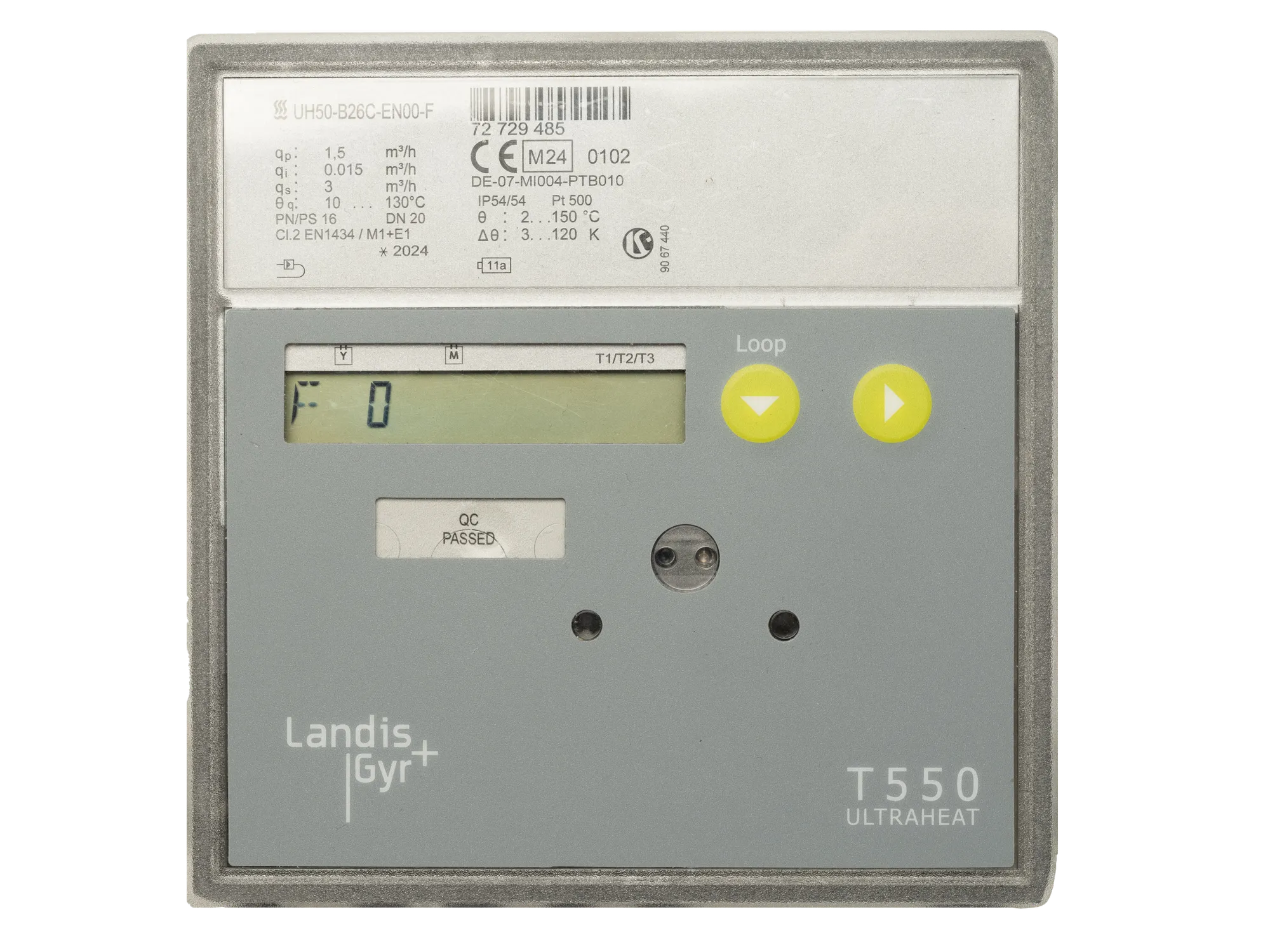
Heat · NB-IoT, Wireless M-Bus, serial, M-Bus, LoRaWAN
Connection options
NB-IoT
Integrated
- Mobile network, SIM card built inConnect
serial
Integrated
No gateway needed. Readings are entered by hand or imported from a file.


Metbox platform
Metbox platform
4207kWh
Readings
- Total MWh
- Volume m³
- Supply and return temperature
Alerts
- Meter fault code
- No data received
How to read Landis+Gyr T550 ULTRAHEAT remotely
Every route below is one we have tested and integrated. Pick the one that matches the network on your site.
Tested by Metbox: this model is in our device database, and our team has integrated and decoded it.
- Wireless M-Bus
- The meter broadcasts its readings by radio at 868 MHz. A Metbox Wireless M-Bus gateway in range receives the telegrams; if they are encrypted, add the meter’s AES key in the platform once, and every reading arrives decoded. Wireless M-Bus gateway
- LoRaWAN
- Register the device on a Metbox LoRaWAN gateway or on the LoRaWAN network you already use. Its payloads are decoded in the platform, with no per-model configuration. LoRaWAN meter reading
- NB-IoT
- Point the meter’s server address at Metbox. It reports over the mobile network by itself, so no gateway or local network is needed. NB-IoT meter reading
- M-Bus
- Connect the meter to the two-wire M-Bus of a Metbox Pro. The gateway polls it by its primary or secondary address and sends each reading on over 4G/LTE. M-Bus gateway
Once connected, its readings are in the Metbox platform: dashboards, alerts, reports, exports and the REST API. Remote meter reading platform